Comma down and start crafting! Grab this FREE "Punctuation Matters" SVG cut file and make the ultimate back-to-school tee!

Whether you're prepping for the first day of class or just trying to survive another week of school, this "Punctuation Matters"
SVG cut file is sure to make you stand out in the hallways! Combining your love for proper grammar with a cozy, classroom-ready look, this design is perfect for crafting custom teacher tees, student hoodies, library tote bags, and classroom decor that screams "straight-A style."
To keep the school year bright, I’ve also rounded up 18 additional FREE cut files at the bottom of this post to help you create all kinds of
back-to-school projects. Fire up your
Cricut or Silhouette and let’s start crafting!
To make your own "Punctuation Matters" shirt, you'll need these supplies:
Printables and cut files from Artsy-Fartsy Mama are for personal use only. You may use these in an educational setting, but you may not sell them. If you'd like to share this printable digitally, share a link to this post/website only. Do not share a direct link to the printable/cut file.

Upload the
"Punctuation Matters" cut file into Design Space and size the image to fit your
shirt. Select different parts of the design and change colors as necessary. Get creative using your favorite colors, or add some sparkle with
glitter HTV.
Select all parts of the design that are the same color and then click "Attach" in the bottom right menu or in the menu below the selected image to keep the elements connected. If you don't attach them, all of the parts of the design will arrange themselves randomly to fit the mat instead.
Before cutting iron-on vinyl, make sure to mirror your image! If you don't, your design will be backwards when you put it on the shirt. To do this, select the mat thumbnail in Design Space before cutting, and click the "Mirror" toggle to reverse the image.
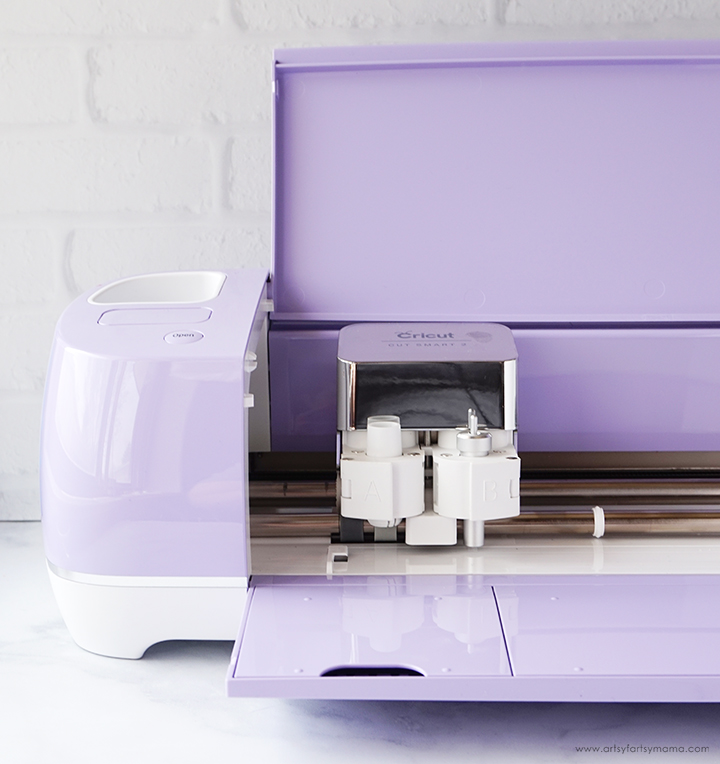
For my shirt, I cut black
HTV with my
Cricut Explore Air 2 machine. Place the vinyl face-down on the mat, and load it into the machine. Change the material settings to the type of vinyl you are cutting, and then click the "Go" button to cut the vinyl.
"Weed" the excess vinyl by removing all of the parts that don't belong in the design. I usually peel away the outer edges first (starting at the corner), and then work my way around the design. Then I use
weeding tools to help remove the smaller pieces of the design.
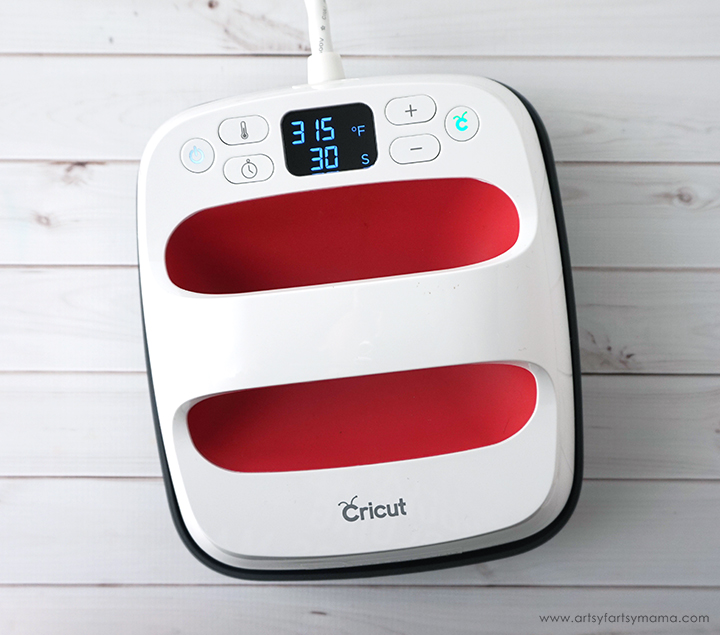
Plug in the EasyPress and power it on. Each kind of HTV has a different heat and time setting, so be sure to check the recommended EasyPress settings before getting started. Adjust the heat and time setting to your shirt and vinyl specifications. Once the light turns green and the machine beeps, it's ready to use.
When the EasyPress is up to temperature, place your shirt on the EasyPress Mat and preheat the area for 5-10 seconds. Lay the HTV down on the shirt, with the clear carrier sheet facing up. Set the EasyPress over the vinyl and press the green "C" button. Hold firmly in place while the timer counts down. Turn the shirt over and press the EasyPress firmly again for 15 seconds.
Peel off the carrier sheet while the vinyl is still warm. If you are layering vinyl, repeat the process for each of the different colors of vinyl, but be sure to protect the vinyl that is already on the shirt with an Iron-On Protective Sheet.
The cut file comes with multiple file types, so you can cut the design with any vinyl cutting machine. I hope you enjoy using this cut file, and I would absolutely LOVE to see your creations!! Tag me on
Instagram and
Facebook, and leave a comment/photo on the project pin on
Pinterest!
Looking for more back-to-school inspiration?
Don't forget to Pin, Like, and Share!










Such cute ideas for custom tees!
ReplyDelete